Getting Started
Get started with Chirpy basics in this comprehensive overview. You will learn how to install, configure, and use your first Chirpy-based website, as well as deploy it to a web server.
Get started with Chirpy basics in this comprehensive overview. You will learn how to install, configure, and use your first Chirpy-based website, as well as deploy it to a web server.
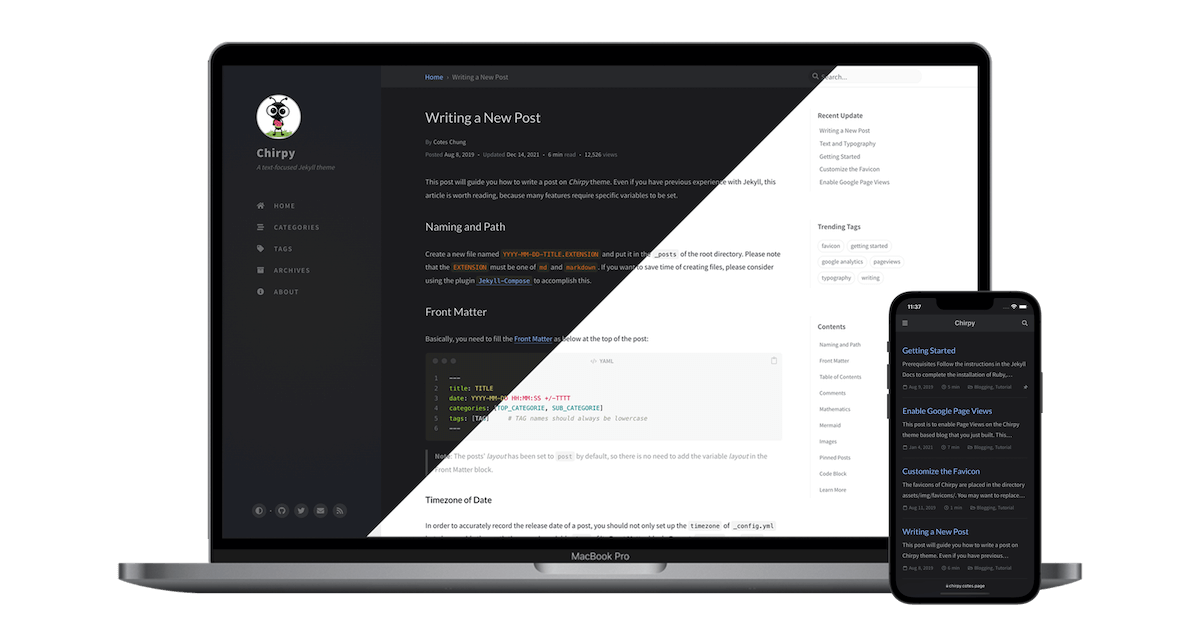
Examples of text, typography, math equations, diagrams, flowcharts, pictures, videos, and more.

Introducción a la Asignatura de Programación Avanzada La asignatura Programación Avanzada es esencial para aquellos que desean profundizar en el desarrollo de software y adquirir habilidades técni...

Administración de Bases de Datos (ABD) La asignatura Administración de Bases de Datos (ABD) es fundamental para quienes desean especializarse en el diseño, gestión y optimización de bases de datos...

You’re a good soldier, choosing your battles Pick yourself up and dust yourself off, get back in the saddle You’re on the frontline, everyone’s watching You know it’s serious, we’re getting closer...
The favicons of Chirpy are placed in the directory assets/img/favicons/. You may want to replace them with your own. The following sections will guide you to create and replace the default favicons...
This tutorial will guide you how to write a post in the Chirpy template, and it’s worth reading even if you’ve used Jekyll before, as many features require specific variables to be set. Naming and...